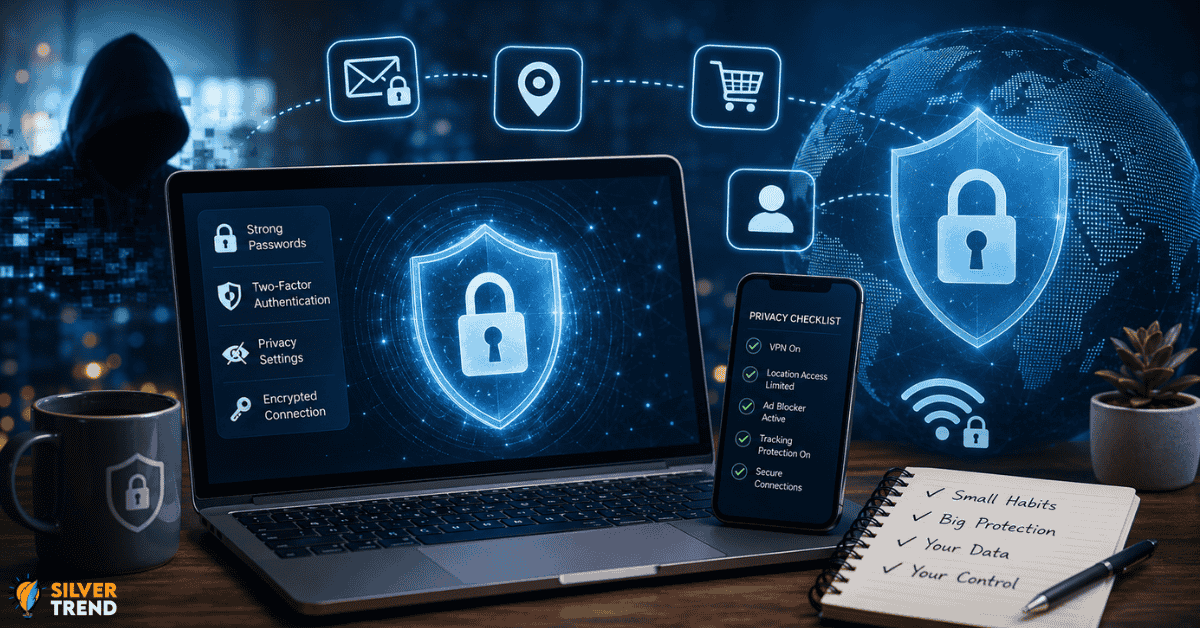
Most people think hackers target big companies, not regular people. That belief is exactly what makes everyday users so easy to exploit. Your email, your location, your shopping habits, and even your health searches are being collected right now. Learning how to protect your privacy online is no longer optional. It is a basic life skill in 2026.
The Data Trail You Leave Without Knowing
Every time you open an app, search for something, or click a link, you leave a trace. This trace is called a data footprint. Companies collect this data to build a profile about you. That profile gets sold to advertisers, shared with third parties, and sometimes stolen by bad actors.
Here is the part most people miss. It is not just the big platforms like social media or shopping sites. Small apps, browser extensions, and even weather apps can collect surprising amounts of data. A flashlight app should not need access to your contacts. But many do, and most users never question it.
Understanding how to protect your privacy online starts with seeing the invisible trail you already leave behind.
Passwords Are Not Enough Anymore
A strong password is still important. But alone, it is not enough. In 2026, the real threat is not someone guessing your password. It is data breaches. When a company gets hacked, millions of passwords leak at once. Yours could be one of them.
Here is what actually works:
- Use a password manager. It creates long, random passwords you never have to remember. Tools like Bitwarden are free and trusted.
- Turn on two-factor authentication (2FA). Even if someone has your password, they still cannot get in without the second step. Use an app like Authy instead of SMS codes whenever possible. SMS can be intercepted.
- Check if your email was leaked. Visit haveibeenpwned.com and enter your email. It is free and shows exactly which breaches exposed your data.
These three steps alone put you far ahead of most internet users.
How to Protect Your Privacy Online Through Your Browser
Your browser is the front door to everything you do online. Most people use it without changing a single setting. That is a missed opportunity.
Switch your default search engine to DuckDuckGo or Brave Search. These do not track your searches or build a profile of you. Google keeps a full history of every search you have ever made unless you manually turn that off.
Install a browser extension called uBlock Origin. It blocks trackers and ads that follow you around the web. Many of those ads are not just annoying. They are collecting data on where you go and what you look at.
Also, clear your cookies regularly. Better yet, use a browser like Firefox or Brave that has built-in privacy controls. Firefox blocks third-party cookies by default. That single change stops a huge amount of tracking.

The Phone in Your Pocket Knows More Than You Think
Smartphones are the biggest privacy risk most people carry with them every day. Location data is especially sensitive. Many apps ask for location access and never actually need it.
Go into your phone settings right now. Review which apps have access to your location. Turn off location for any app that does not need it to function. Set remaining apps to “only while using” instead of “always on.”
Review app permissions every few months. Apps update and sometimes quietly request new permissions. A note-taking app does not need your microphone. A recipe app does not need your contacts. Remove access that does not make sense.
On iPhone, turn on App Tracking Transparency. This means apps will ask for your permission before tracking you across other apps and websites. Most people tap “Ask App Not to Track” and never look back.
Public Wi-Fi Is Riskier Than You Realize
Coffee shops, airports, hotels. Free Wi-Fi is everywhere. It is also one of the easiest ways for someone nearby to intercept your data. When you connect to an open network, others on that network can sometimes see what you are doing.
The simple fix is a VPN, which stands for virtual private network. It encrypts your internet traffic so no one nearby can read it. Mullvad and ProtonVPN are two well-regarded options that do not log your activity. Avoid free VPNs. Many of them make money by selling your data, which defeats the entire purpose.
If you are not using a VPN, stick to websites that start with “https” on public networks. That small “s” means the connection between you and that site is encrypted. Most modern sites use it, but not all.
Small Habits That Add Up Over Time
Knowing how to protect your privacy online is really about building small daily habits. No single tool protects everything. But together, these habits create a strong shield.
Turn off Bluetooth when you are not using it. Retailers use Bluetooth signals to track shoppers in stores. Log out of sites instead of just closing the tab and staying logged in keeps sessions active and trackable.
Be careful what you share in online forms. Loyalty cards, discount apps, and survey sites often collect far more than what seems necessary. Ask yourself if the discount is worth the data before signing up.
Privacy is not about hiding. It is about control. You deserve to decide who sees your information and who does not. Start with one change today. Build from there.